


See How it Works

Learn all about
your invite
Everything to know before and
after your purchase.
60+ ready-to-edit templates for every celebration
- EASY CUSTOMIZATION -
Edit in Canva
No design skills required
Your download includes everything you need to personalize,
send, and manage your invitation without starting from scratch.
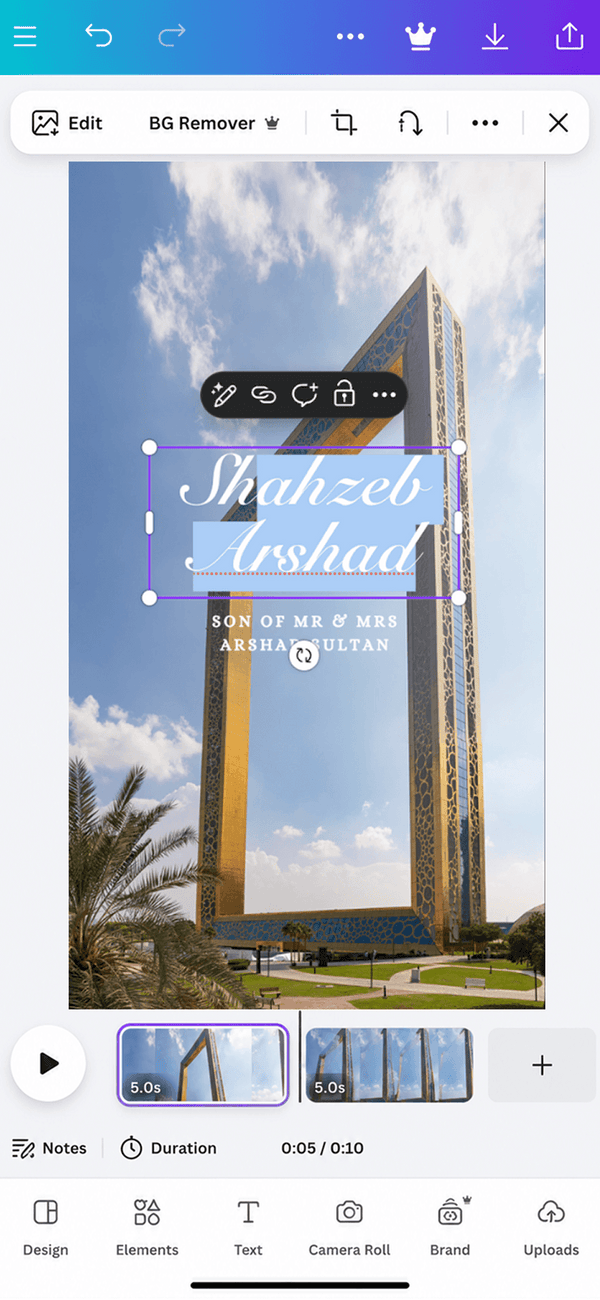



Editable 3D Video Template
Update names, dates, and event details directly in Canva.

Mobile Instructions
Instant access to update names, dates, and event details directly in Canva.

Easy to Download
Export your high-quality video directly to your phone in one tap.

Ready to Send
Download your finished invitation and share it via text or WhatsApp.
Experiencing lagging or slow downloads? Check the:


INSTRUCTIONS
What can be edited?
- Text
- Font
- Font/Image Colour
- Replace Images
For best results, avoid editing...
- Speed/Timing
- Adding pages/slides
- Don’t edit video Backgrounds
Adding Music
First download a track to your device from spotify, youtube. I recommend using a
“Youtube to MP3” tool online.
Then you can upload that file to canva.

Step 1


Step 2


Step 3

Adding Media

Step 0


Or simply drag one image over an image frame to replace it on desktop.
Selfie Element

Step 1


Step 2


Step 3

Step 4

On desktop/computer you would be
able to select the area and regroup
the elements again.
This would allow you to re-add the
“baseline” animation, that causes
the mobile to swipe up.
Downloading

Step 1


Step 2

Get in touch via our Socials


- FAQ -
Questions
before you send
Quick answers about editing, sharing, and RSVP tracking.
What do I receive after purchase?

You'll receive a secure delivery PDF with access to your editable 3D video invitation template, RSVP form setup, and mobile instructions.
Is this a physical invitation?
No, this is a 100% digital product. You can download and share it instantly.
Can I edit the invitation myself?
Yes! You can fully customize text, fonts, colors, and music using Canva.
Do I need Canva Pro?
Many of our templates are optimised to work beautifully without Canva pro, but as these are premium designs, some of the designs may require a Canva Pro Free Trial
Can I send it through WhatsApp?
Yes, you can share it effortlessly via WhatsApp, iMessage, Messenger, or Email.
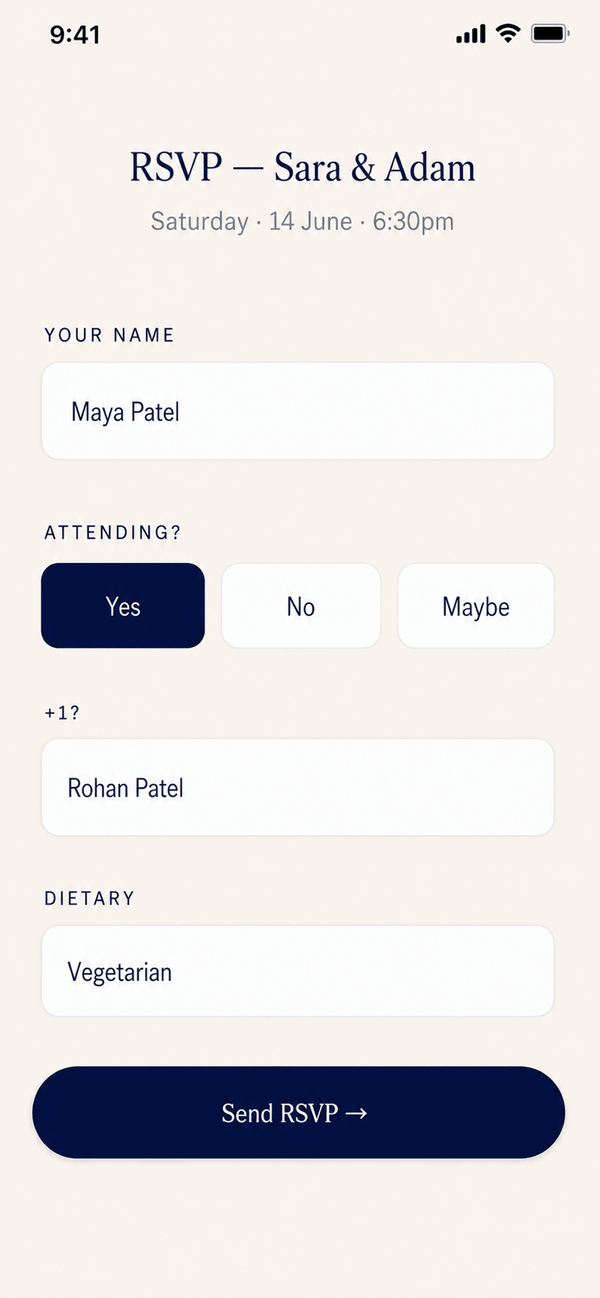
How does RSVP work?
The invitation includes a setup link to route guest responses right to a clean dashboard for you.
How fast will I receive access?
Access is instant! Your download link will be available immediately right after payment clears.